Open your Blueprint
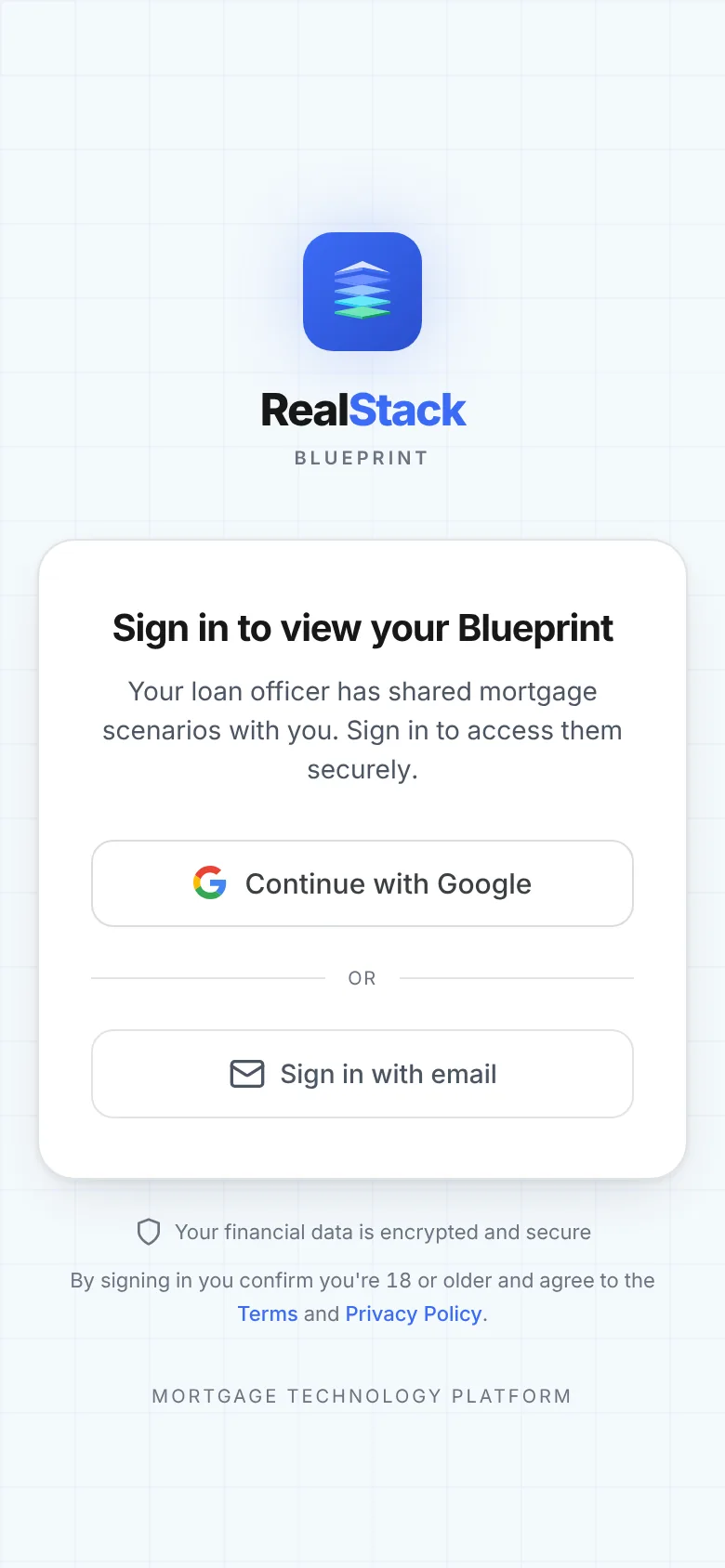
Tap the link your loan officer sent. Choose Continue with Google, or Sign in with email and then Email me a code.
If you used email, look for "Your RealStack Blueprint sign-in code" and type the code in. It works once and lasts 60 minutes. The email has no sign-in link on purpose; just type the code.
Use the email your loan officer has for you. The link only opens for the people on your file, which is what keeps your numbers private. You sign in once per device.
If something goes wrong
"This blueprint is private": you signed in with a different email. Tap Use a different email, or ask your loan officer to add the one you used.
"Almost ready": your loan officer is still building your numbers. Tap Check again later.
"Link Not Found": the link is old. Use the Email, Call or Schedule buttons on that screen to get a fresh one.
No code? Check spam and promotions, or use Continue with Google.
Put it on your phone
iPhone: get Mortgage Blueprint from the App Store, or open your link in Safari, tap Share, then Add to Home Screen.
Android: open your link in Chrome, tap the menu, then Install app.
Change the numbers
Tap any number to change it. Try the price, your down payment (watch mortgage insurance change at 20%), the rate and the property taxes. Monthly Payment, Cash to Close and Pre-Qualified? update instantly.
A section marked "verified by your loan officer" has been checked against your documents and is locked. A view-only option is a fixed quote; tap Duplicate to try your own version. Made a mistake? Version history puts it back.
Compare and share
Compare puts your options side by side. On the Share tab, Email Me This Worksheet sends you a PDF (your loan officer gets a copy), and Save Scenario as PDF downloads it.
To add a spouse, co-borrower or agent, go to Team, then People with access, and add their email. They sign in with that email.
Work on it together
Your changes save automatically and your loan officer sees them. On a call, you will both see a Live bar with each other's name, so they can follow along as you go.
Ready to move forward
Tap Get Pre-Approved Now on the Share tab (or More on a phone). Your loan officer gets your request with the scenario you were looking at and will reach out with next steps.
Your account and privacy
Only you, the people on your list and your loan officer's team can open your Blueprint, even with the link. Settings, Your account shows the email you are signed in with and has Sign out, plus Export or delete my account.
Blueprint gives estimates, not a loan offer. Your official numbers come on your Loan Estimate. You must be 18 or older to use it.